
CoreyPunches.net blog

This is my little piece of the fediverse to bore others.

(or how I sometimes do something right)

header pic

I recently added a new printer to my print garden, a Bambu Lab H2S, h2s which is a FANTASTIC printer. However it is much larger than my Anycubic Kobra S1 printers acks1 (also FANTASTIC for the record). One of my Anycubic Kobra S1 printers is going to a new home with a friend who is itching to get in on the fun of 3D printing.

I decided I'd put the H2S on the same table the S1 had been sitting on because I really like the table as it has a built in power strip. table

I only had one problem, the H2S is exactly the same size as the surface of the table; so the printer would sit on the table just fine but there would be no room for an attached waste bin or build plate holder. I couldn't just have the printer pooping plastic onto the floor (especially since I wouldn't be able to easily get behind the printer), and I really wanted to park the large build plates the H2S uses on the side of the printer.

If only I had some way to extend the table on the sides enough to support the poop-chute and build plate holder.

Hmmm..

I could just run to Home Depot and buy a piece of plywood I could sit on top of the table that would give me some extra space on each side, or acrylic or something. Only issue there was that I didn't want to lift the printer any higher as I plan to add a riser for the AMS to sit on and I'm already going to be tight on space to the ceiling (I live in an RV so the ceiling is pretty low).

Oh wait, I have 3 3D printers, surely I can design a set of brackets that would solve my problem. So I logged into OnShape and got to work.

I pulled out the calipers and took a few quick measurements and made a sketch.

sketch

I also setup some variables for the measurements so I could more easily make adjustments.

vars

Took a couple of iterations but I got something that worked pretty quickly.

extruded

I downloaded the .3mf, loaded it into a slicer and sent a prototype print to one of my Kobra S1 printers.

proto1

proto2

Yep, that works!

I printed 8, placed them around the table and I was able to support the poop-chute and the build-plate holder with no issues.

solved1

solved2

Just another case where having a 3D printer can aid in solving a problem.

This is AF5QH. 73 and out.

Contact me

Five months ago, I took the plunge and opened DC Tech Workshop on Etsy, merging my two passions: ham radio (I'm AF5QH) and 3D printing. What an exciting journey it's been! Running this little corner of the internet has taught me more about my hobbies, my customers, and entrepreneurship than I ever expected.

The Surprise Bestsellers

You know what's funny about retail? The products you're absolutely certain will fly off the shelves often gather dust, while items you almost didn't list become your top performers. I spent weeks perfecting my cable organizer designs, convinced they'd be the star of the show. Don't get me wrong—they sell—but they weren't the breakout hits I anticipated.

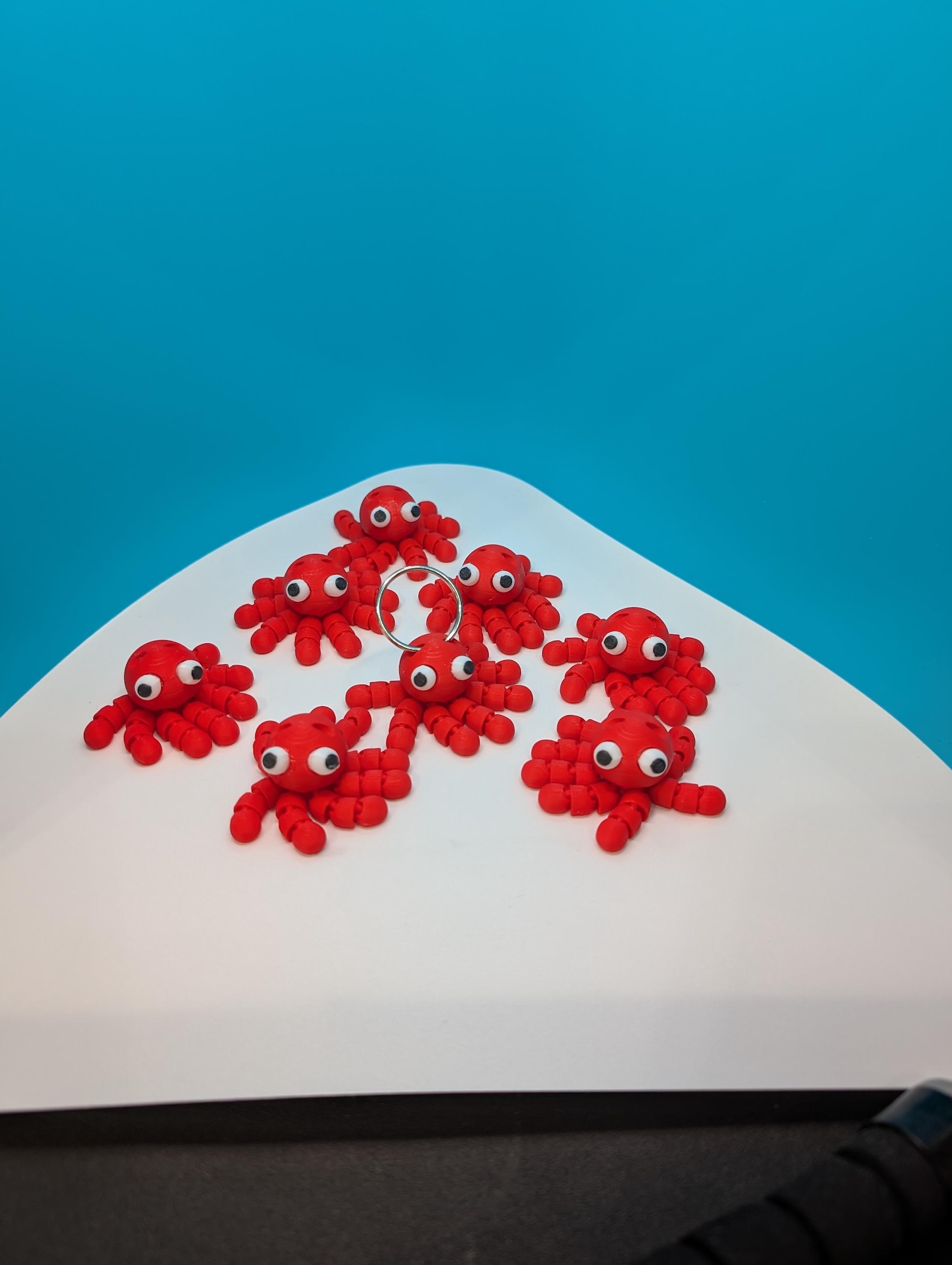
Meanwhile, my simple $1 articulated octopus keychains? They've become steady sellers. These little fidget toys that I thought might be “too basic” have brought smiles to customers and consistent orders to my shop. It's humbling and exciting to see what resonates with people.

Articulated Octopus Keychain

The Items I Almost Removed

Here's where it gets really interesting. About a month ago, I was reviewing my listings and seriously considering removing two products: the octopus flexis and my NFC-enabled call sign keychains. They'd been sitting there with minimal activity, and I thought maybe they just weren't what customers wanted.

Guess what happened the very week I was about to delist them? Orders started coming in! First one NFC keychain, then another octopus, then more. It was like the universe was telling me, “Not so fast, buddy.” That taught me an important lesson about patience and not making hasty decisions based on short-term data.

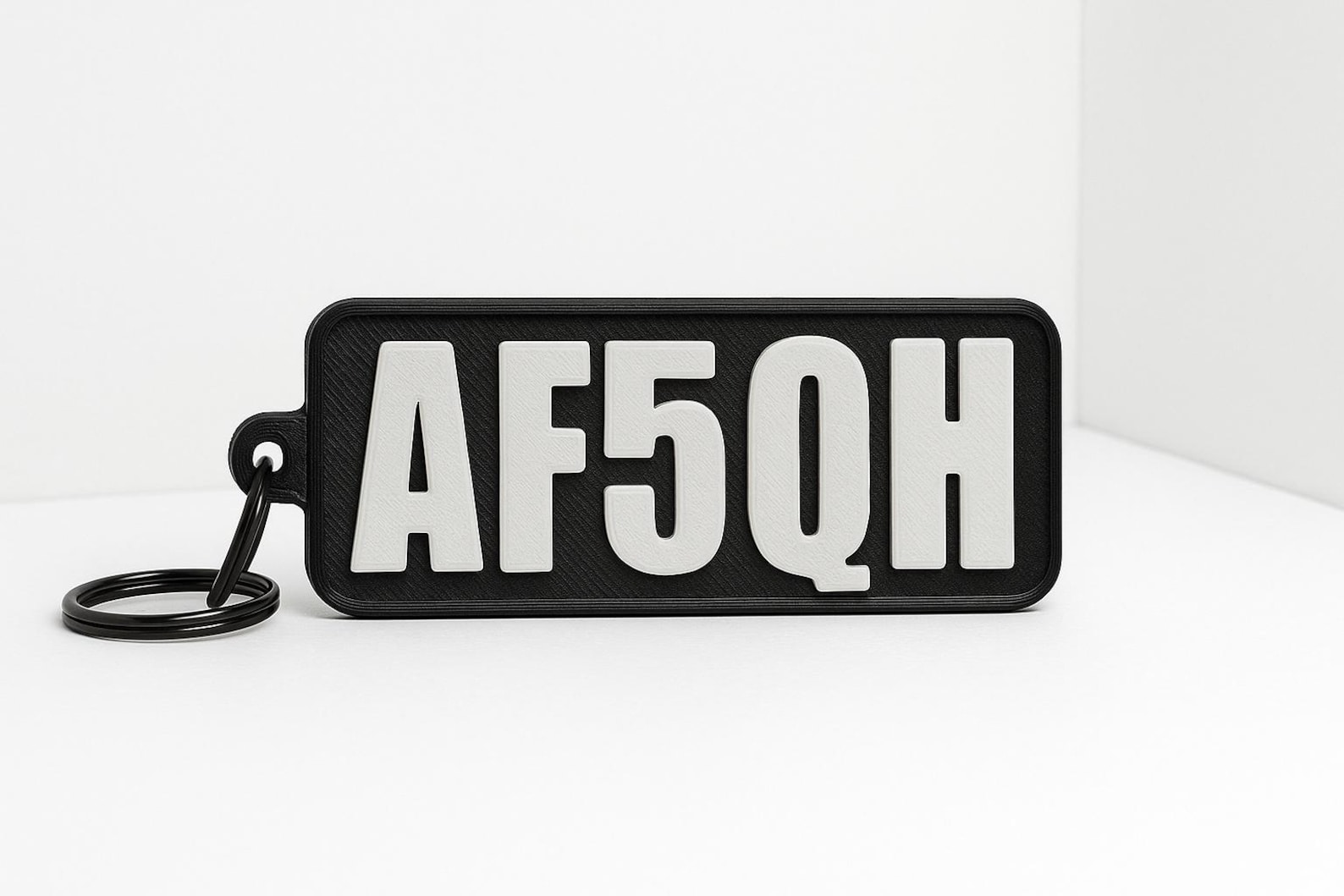
Custom NFC Call Sign Keychain

Mixed Feelings and Unexpected Joy

Running this shop has been a rollercoaster of emotions. There's the anxiety of waiting for orders, the thrill when that notification pings, the satisfaction of packaging up a custom call sign keychain with someone's exact specifications. Every 5-star review (we're sitting at 4.9 stars with 19 reviews!) feels like validation, and every order feels like a conversation with a fellow ham or maker.

By the Numbers

Since launching in May 2025, we've hit some milestones I'm proud of: – 30 sales and counting – 4.9-star rating from 19 customer reviews – 14 active listings ranging from $1 octopus keychains to $25 cable management systems – Products shipped to hams and makers across the country – A growing catalog of antenna accessories, organizational tools, and fun 3D printed items

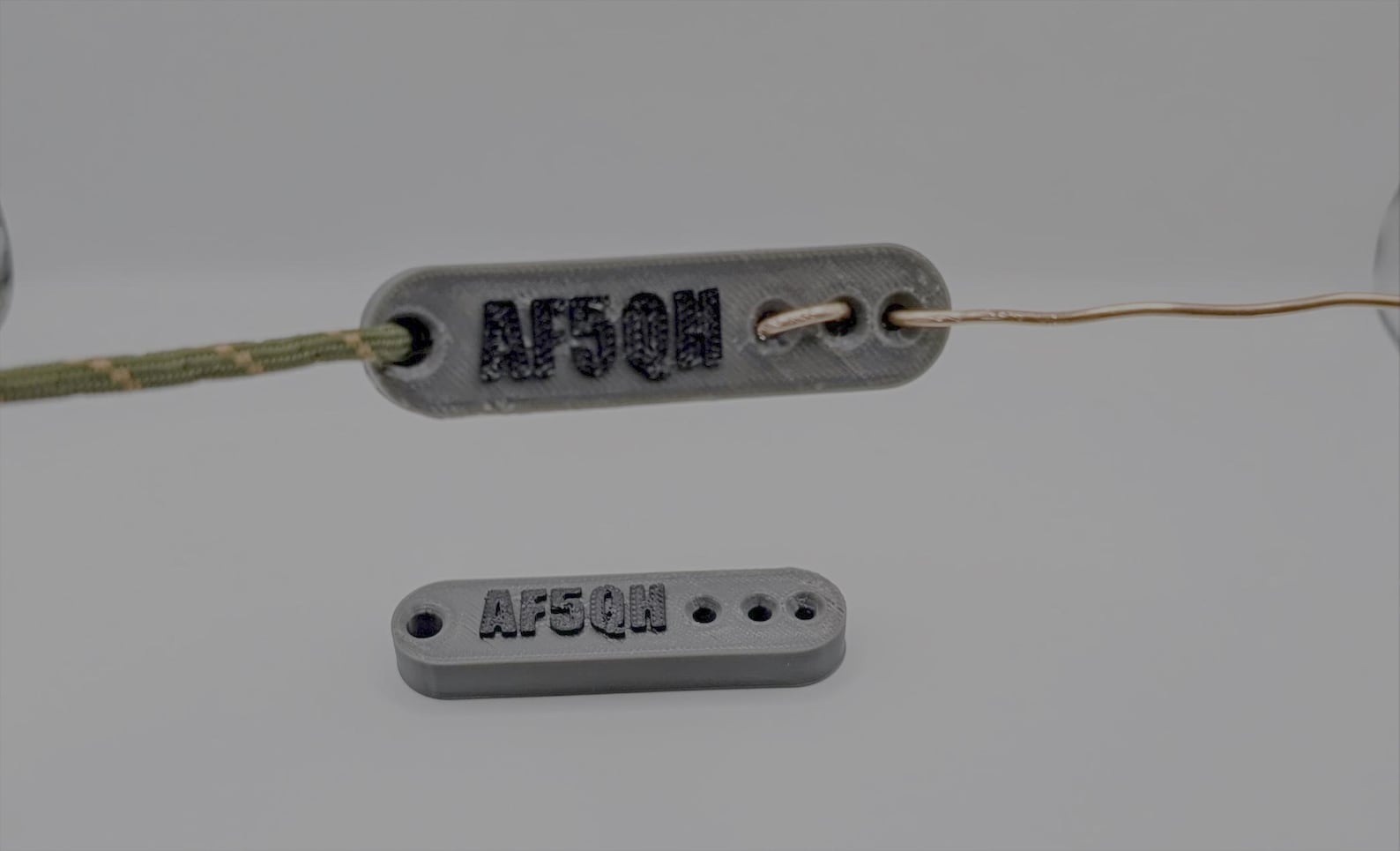
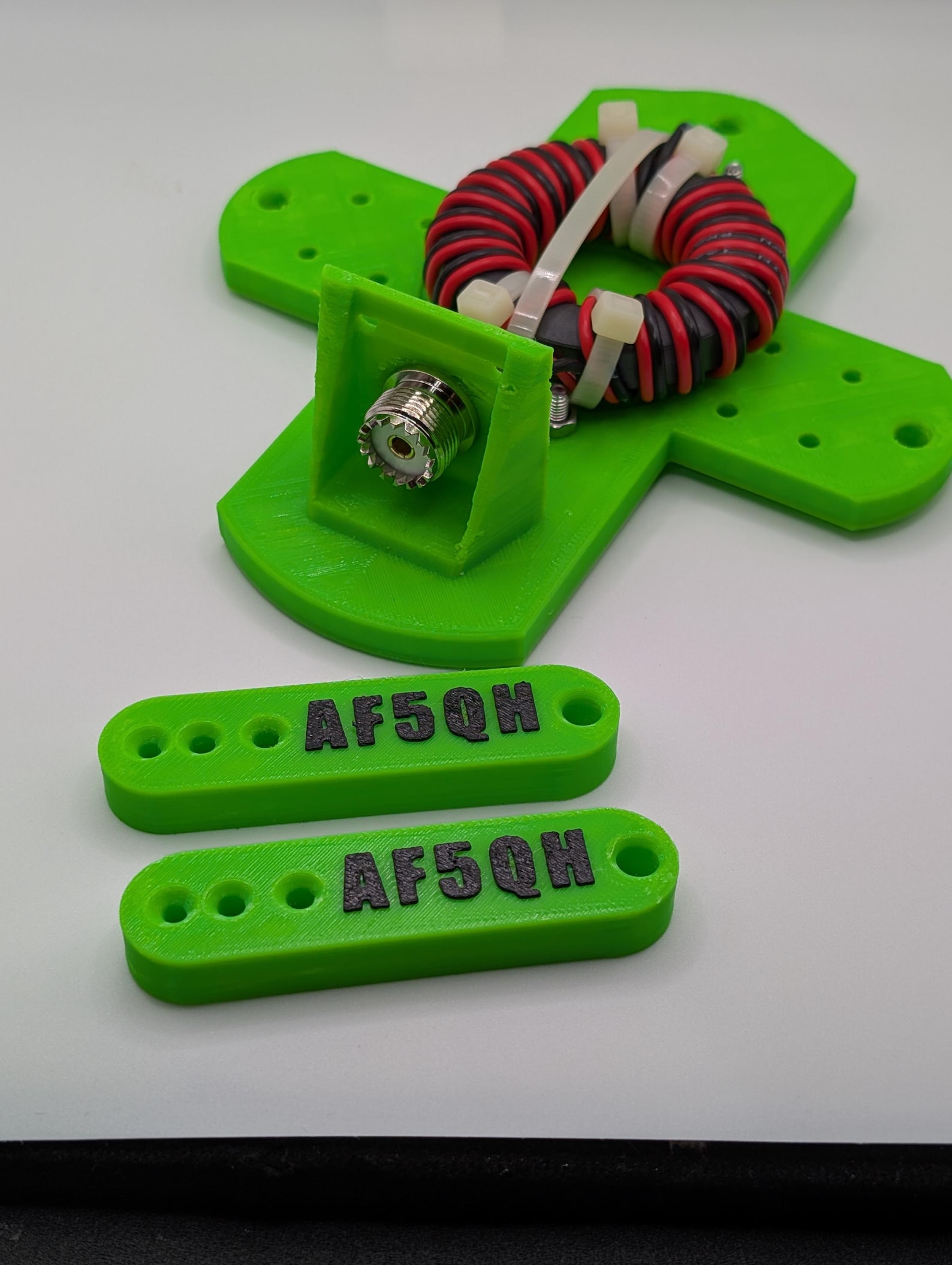
The antenna wire winders and dipole insulator kits have found their niche among field operators, while the desktop cable organizers appeal to those of us with crowded shacks (guilty!).

Antenna Accessories

Antenna Accessories2

Looking Forward

As I look toward the next year, I'm filled with hope and excitement. My goals for DC Tech Workshop include:

  • Expanding our product line with more practical ham radio accessories
  • Developing better packaging and presentation
  • Building stronger connections with the amateur radio community
  • Experimenting with new materials and printing techniques
  • Reaching 100 sales by this time next year
  • Maintaining our high customer satisfaction rating

The journey from that first nervous listing to where we are today has been incredible. Every order teaches me something new, every customer interaction reminds me why I love this hobby community, and every design iteration brings me closer to creating products that truly serve fellow hams and makers.

To everyone who's purchased from DC Tech Workshop—thank you. Your support means the world to this full-time RV'ing ham operator. Here's to growing together over the next year!

73, Corey (AF5QH)


Visit DC Tech Workshop on Etsy to see our full catalog of 3D printed ham radio accessories and fun items!

This is AF5QH. 73 and out.

Contact me

Comet Browser

I've been exploring something pretty interesting lately – Perplexity's Comet browser and its built-in AI assistant capabilities. As someone who enjoys tinkering with technology (and ham radio!), I thought I'd share my experiences with this fascinating new tool that's changing how we interact with the web.

What is Perplexity Comet?

Comet is Perplexity's next-generation web browser that integrates AI assistants directly into the browsing experience. Unlike traditional browsers where you have to switch between tabs or open separate AI chat windows, Comet brings intelligent assistance right into your workflow. It's like having a knowledgeable co-pilot who can help you navigate, research, and interact with web content in real-time.

Key Features That Stand Out

The browser includes Perplexity's powerful AI search capabilities built right in. Instead of just showing you a list of links, it can synthesize information from multiple sources and give you comprehensive answers with citations. This is incredibly useful when researching technical topics or trying to solve problems.

Browser Control

This is where things get really interesting. The AI assistant can actually interact with web pages on your behalf – filling forms, navigating sites, clicking buttons, and extracting information. It's like having an automated helper that can perform tedious web tasks while you focus on more important things.

Privacy-Focused Tools

Comet includes privacy features that help protect your data while browsing. In an era where online privacy is increasingly important, having these tools built into the browser itself is a significant advantage.

Natural Language Interface

You can simply tell the assistant what you want to accomplish in plain English, and it figures out how to do it. Need to find information across multiple pages? Want to automate a repetitive task? Just ask.

My Experience So Far

I've been putting Comet through its paces, and I have to say, it's been an interesting journey. The ability to have an AI assistant that can actually navigate websites and perform actions is genuinely useful. Here are some scenarios where I've found it particularly helpful:

Research and Information Gathering: When I need to find technical specifications or compare products, the assistant can quickly pull together information from multiple sources and present it in a coherent way.

Form Filling and Repetitive Tasks: Anyone who's had to fill out multiple similar forms knows how tedious it can be. The assistant can help automate these tasks, saving considerable time.

Learning New Platforms: When exploring new websites or services, having an AI guide that can help navigate and explain features is incredibly valuable.

How It Compares to Traditional Browsing

Using Comet feels like a glimpse into the future of web browsing. Traditional browsers are essentially just viewers – they display content but don't help you interact with it intelligently. Comet, on the other hand, is more like a collaborative tool. It understands context, can remember what you're trying to accomplish, and actively helps you achieve your goals.

Technical Implications

From a technical standpoint, what Comet is doing is fascinating. It's combining: – Natural language processing to understand user intent – Web automation capabilities to interact with sites – Knowledge synthesis to provide useful information – Privacy controls to keep your data secure

This integration of AI directly into the browser layer opens up possibilities that weren't practical before.

Use Cases for Ham Radio Operators and Tech Enthusiasts

For fellow hams and tech folks, here are some ways I can see Comet being useful:

  • Research Equipment: Quickly compare specifications across multiple ham radio retailers
  • Documentation Lookup: Find technical documentation and datasheets more efficiently
  • Forum Research: Gather information from multiple ham radio forums and discussion boards
  • License Study: Help organize study materials for license exams
  • Project Planning: Research components and gather information for electronics projects

Learning Resources

If you want to learn more about Comet and see it in action, here are some helpful resources:

Demo Videos:Perplexity Comet Browser IntroductionAI Assistants in Action – Comet TutorialComet Browser Features Walkthrough

Official Resources:Perplexity Comet Official SiteComet Documentation

Thoughts and Reflections

After spending time with Comet, I'm genuinely impressed by how it changes the browsing experience. It's not just about adding AI features as a gimmick – the integration actually makes common tasks more efficient and less frustrating.

That said, it's still early days. Like any new technology, there's a learning curve, and not every task is suitable for AI assistance. But the potential is clearly there, and I'm excited to see how this technology evolves.

For anyone interested in the intersection of AI and web browsing, I'd definitely recommend giving Comet a try. It's a fascinating glimpse into how we might interact with the web in the future.

What's Next?

I plan to continue exploring Comet's capabilities, particularly around automating research tasks and managing technical documentation. I'll share more updates as I discover interesting use cases, especially ones relevant to ham radio operations and technical projects.

If you're using Comet or similar AI-powered browsing tools, I'd love to hear about your experiences. Feel free to reach out!

Tech Future

This is AF5QH. 73 and out.

This is AF5QH. 73 and out.

Contact me
Taking care of business

tcb

It's been a busy month or so. I have been attempting to get a side-business off the ground and have been burning the candle at both ends for sure. I've even made a few sales. I won't bore anyone with all the ins and outs, ups and downs, but basically I am 3D printing items (hopefully) useful for amateur radio operators. I have a few items I am still designing that aren't ready quite yet, but hopefully soon. I've also discovered that my wife determined that she can sell some 3D printed trinkets to neighbors so we've been doing some of that as well.

Busy, busy, busy – more details to come.

in design

kc1

kc2

winder

mounts

qoasters

This is AF5QH. 73 and out.

Contact me
Some new shoes

Recently I determined that my 3D printer might be having an issue where vibration was affecting my prints. I had read about some vibration dampening feet offered by VoxelPLA

feet

They don't offer a set that fits my Anycubic Kobra S1, but I had run across a model on the Makeronline site and used it as an adapter to make them work. Installation was super easy, they just snap into the model from Makeronline.

the new shoes

looking good

I don't have any real data to prove that they've improved my prints, but it does feel like they have helped reduce some layer artifacts when printing.

This is AF5QH. 73 and out.

Contact me
ARISE!

Arise

I finally got the extra riser for my Anycubic Kobra S1 printed and setup. Whew that was a long print, and I'm really glad I decided to use a 0.06 nozzle instead of the standard 0.04, that extra 20% shaved a lot of hours of the total print time.

Pic1

Pic2

Pic3

I printed all of this in PETG for extra strength. So far it's really working great to get the ACE Pro unit off the top lid of the printer, which also means I can lift that lid a little when I'm printing PLA to let a little heat out of the chamber.

The tool compartments are great to have as I was able to orgranize my 2 square foot home office (I'm not kidding...) and cram even more into a small, now hopefully better organized space.

Pic4

You wouldn't believe what else I have planned for that small space. Hopefully I'll have more to say about that later.

Later

This is AF5QH. 73 and out.

Contact me
My God, it's full of mods!

Full of Mods

While I wait from my ACE PRO unit to arrive (tomorrow maybe!), I have been keeping busy by printing mods for my Anycubic Kobra S1 printer.

One of the first mods was a part I designed myself as I learn OnShape that I described in a previous post. click here

part

I also printed a 'poop shoot' for filament scraps so they don't just get ejected onto the floor.

poop chute

It became apparent to me that I wanted to move the rear spool holder to the left side of the printer to make it easier to access and the right side is too close to a wall to make that work. So a few hours later..

A few hours later

Side spool1

Side spool2

Side spool3

Side spool4

All of these parts are printed in PETG.

Next I added a build plate holder for my growing collection of build plates. I can add more slots as needed.

Build plates1

Build plates2

I've also been printing covers for filament rolls that have paper spools.

And holders.

Spool Holder

Also I decided I needed a convenient way to keep track of all the filament details for each brand and type, so I've started printing this mini 'floppy disk' samples and I have a label maker on the way to add even more data so that when I go to use a roll of filament I will have an easy way to recall all the info for settings as well as a sample of what it looks like when printed.

floppy disk

floppy2

floppy3

Next up is a riser system for the ACE PRO. But more on that later.

riser

#3dprinting #Anycubic

This is AF5QH. 73 and out.

Contact me

A Voyage begins

space

So, now that I have a new printer with more capabilities than the ones I've owned in the past I felt like it was high time that I tried learning to design my own objects to print. I've tried several times in the past to use various CAD tools to do this, but I either found them too complicated, or too simple to create what I wanted.

I think I finally found a tool that suits me: OnShape

OnShape is a cloud hosted CAD tool with a free tier, and there is also some pretty good training courses on their learning portal to start using it right away.

I started working through one of the learning paths and learned enough after a couple of hours to create a simple part that I needed for my printer.

I needed a mod for the spool holder on the back of my printer that would allow the spools to turn a little smoother as well as lift it up just a bit to clear the garbage port mod I'd installed.

It's not very complicated but it gave me an opportunity to try out what I'd learned so far.

partdesign

drawing

theresult1

final

Works pretty well, but I found a couple of minor things I want to tweak.

This is AF5QH. 73 and out.

Contact me

It's Alive

anycubic

I just got my new Anycubic Kobra S1 yesterday and after a quick unboxing and setup I was printing within an hour! Pretty cool. The quality on the first test print was impressive, it cranked out a benchy in about 30 minutes, I probably could have printed it quicker but it was fine.

benchy1

benchy2

With calibration done I'm starting to print some mods for the printer which is something I usually do with any new 3D printer. In this case I am starting with a much needed 'poop chute', which allows the waste ejected from the printer to collect somewhere else other than the floor..

poop chute

I couldn't get my hands on the Ace Pro unit for the printer yet, but hope to have one in a few weeks. The Ace Pro allows for multi-color printing as well as has a built-in filament dryer.

Another cool feature on this printer is the internal camera that is not only doing some AI print anomaly detections, but also can capture timelapse videos of your prints.

This was a quick test print of a mod for the PTFE tube that runs into the extruder.

hours later

I got the parts for the chute completed in roughly 7 hours. The AI detection did pause the honeycomb basket print because it thought there was a spagetti problem, fortunately there was not and I just clicked resume and it completed fine.

Once the print completed just attached the parts to the rear of the printer.

basket

attached

Really like this printer and I'm hoping I'll be able to finish a few projects now.

This is AF5QH. 73 and out.

Contact me

Most Saturday's I participate in the World Wide Check-in Net on DMR Talk Group 91.

TG91

It usually runs a few hours as Operators all over the world check-in to the net. Living in an RV has presented a lot of issues in operating my ham radios (without operating portable or mobile outside). DMR allows me to pick up the radio whenever I feel like it and have QSO's with other Hams all over the world very easily. I occasionally also utilize an HT that can operate on D-Star networks for the same thing.

The Net

I recommend DMR for any Hams looking for ease of operation in areas where standard HF, and/or VHF/UHF capabilities are limited.

#radio

This is AF5QH. 73 and out.

Contact me